How to set up the Jira Sync in ALEAS Board
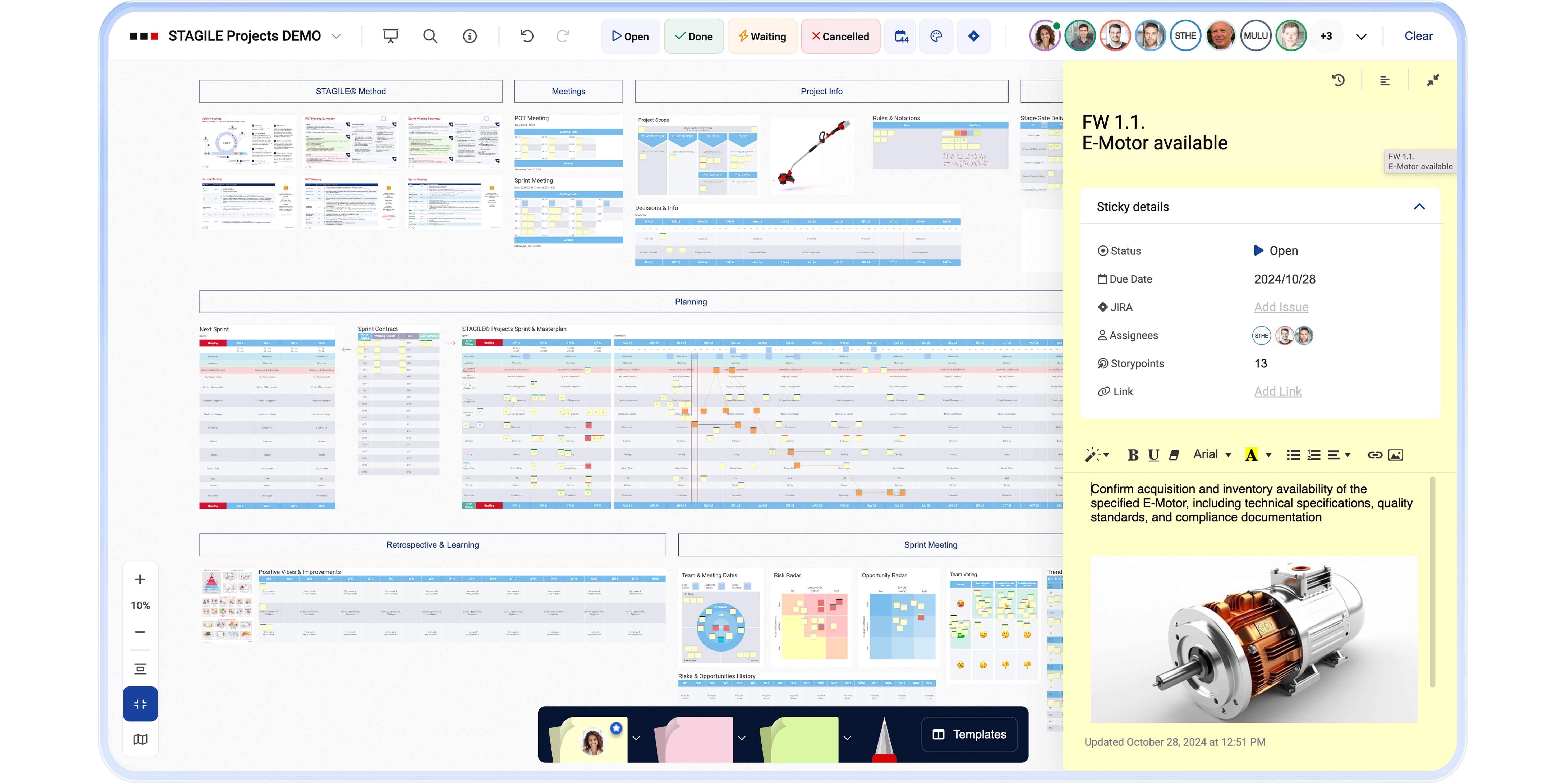
Thanks to seamless, real-time bidirectional synchronization, your ALEAS Board and Jira stay perfectly aligned.
Jira Integration Setup Guide
Download the step-by-step guide to connecting your ALEAS Board instance with Jira. Please note that admin rights are required for the setup.
More Information
For information on Jira status synchronization, Jira activation, and working with Jira IntelliFrames, please visit our Help Center or watch our tutorial videos.